DeepURLs: Simplifying Deep Linking & Campaign Analytics
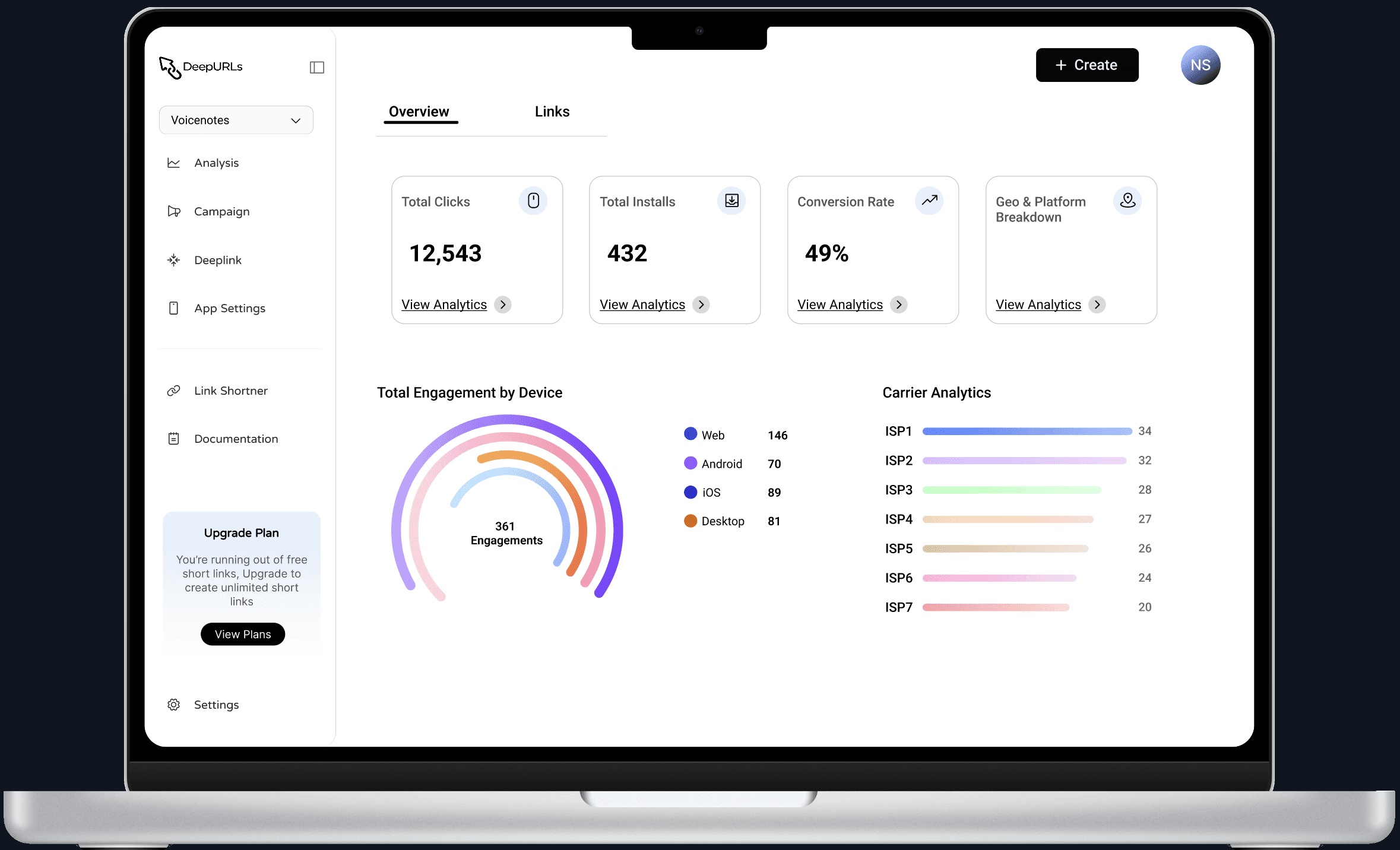
DeepURLs is a platform that enables businesses to create deep links, manage campaigns, and track detailed analytics all in one place.
Unlike basic URL shorteners, it ensures users are redirected to the exact in-app content, not just the home screen, while giving businesses clarity on performance.
This project was part of my internship, where I worked on designing a feature-rich dashboard and its responsive experience from scratch.
Web3Task
1 month
UI/UX designer
Challenge
When businesses run ads, user journeys often break.
Users click on a link expecting a specific product →
But get redirected to the home page instead.
This leads to:
Drop-offs in user engagement
Lost conversions
Wasted marketing spend
At the same time, existing tools:
Lack deep linking capabilities
Provide scattered or complex analytics
Are not intuitive for all types of users
35%
Improved onboarding process
25%
Increase in user retention
84%
Increase in time spent on website
Process
Understanding the Problem: We started by understanding how deep linking works and what challenges businesses face while running campaigns. This helped identify the need for clear analytics, seamless link management, and a structured way to track performance across multiple apps.
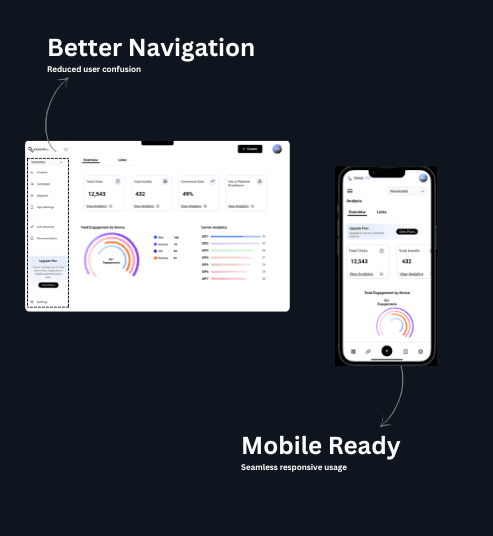
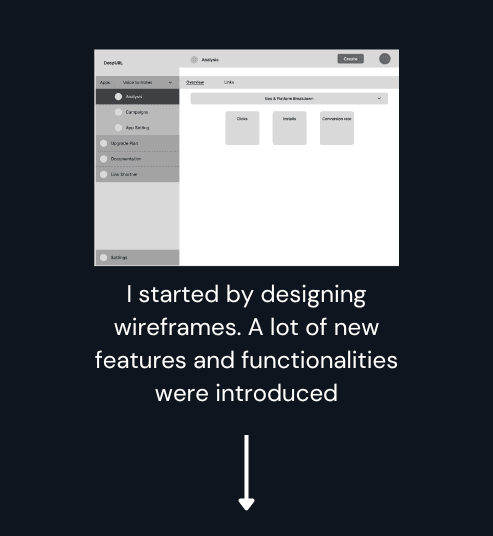
Structuring the Experience: With multiple features involved, organizing the platform was critical. The product was divided into key sections like Overview, Links, Campaigns, and App Settings, ensuring a clear and predictable navigation flow that reduces confusion and helps users move between tasks easily.
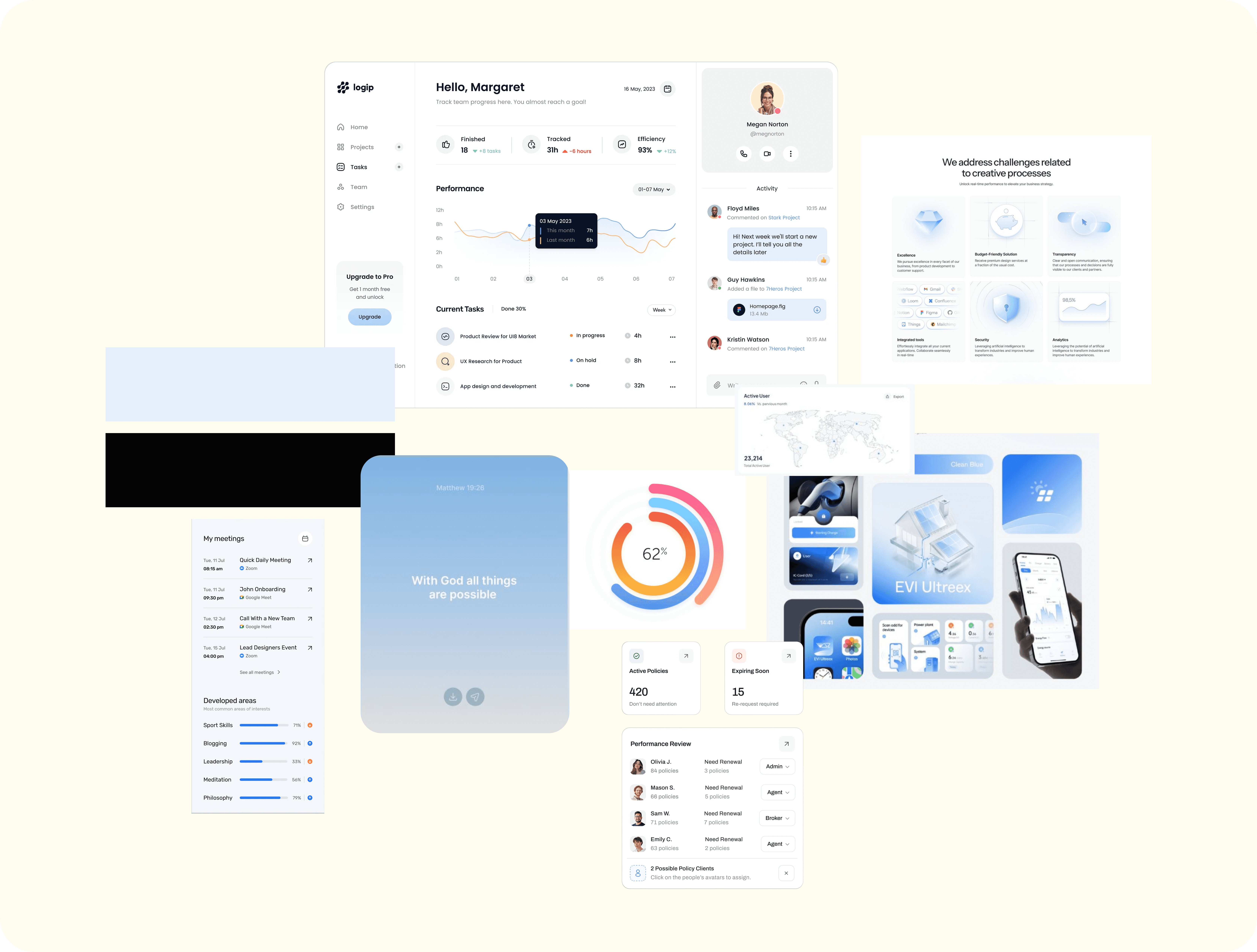
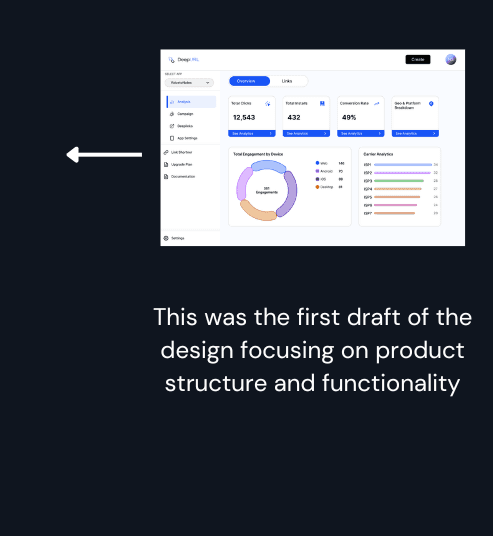
Visual Exploration: Before moving to final screens, a visual direction was explored to match a modern SaaS product. The focus was on creating a clean, minimal, and data-friendly interface using card-based layouts, subtle color usage, and strong visual hierarchy for better readability.
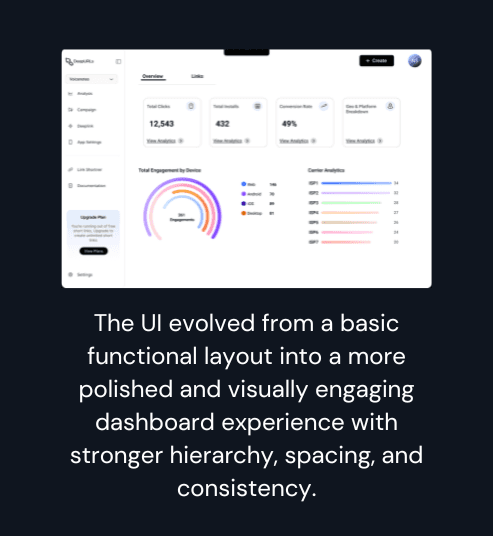
Iterations & Refinement: The design evolved through multiple iterations, focusing on improving layout structure, spacing, and data hierarchy. Instead of redesigning everything, the approach was to refine reusable patterns that could scale across the product while improving overall usability.
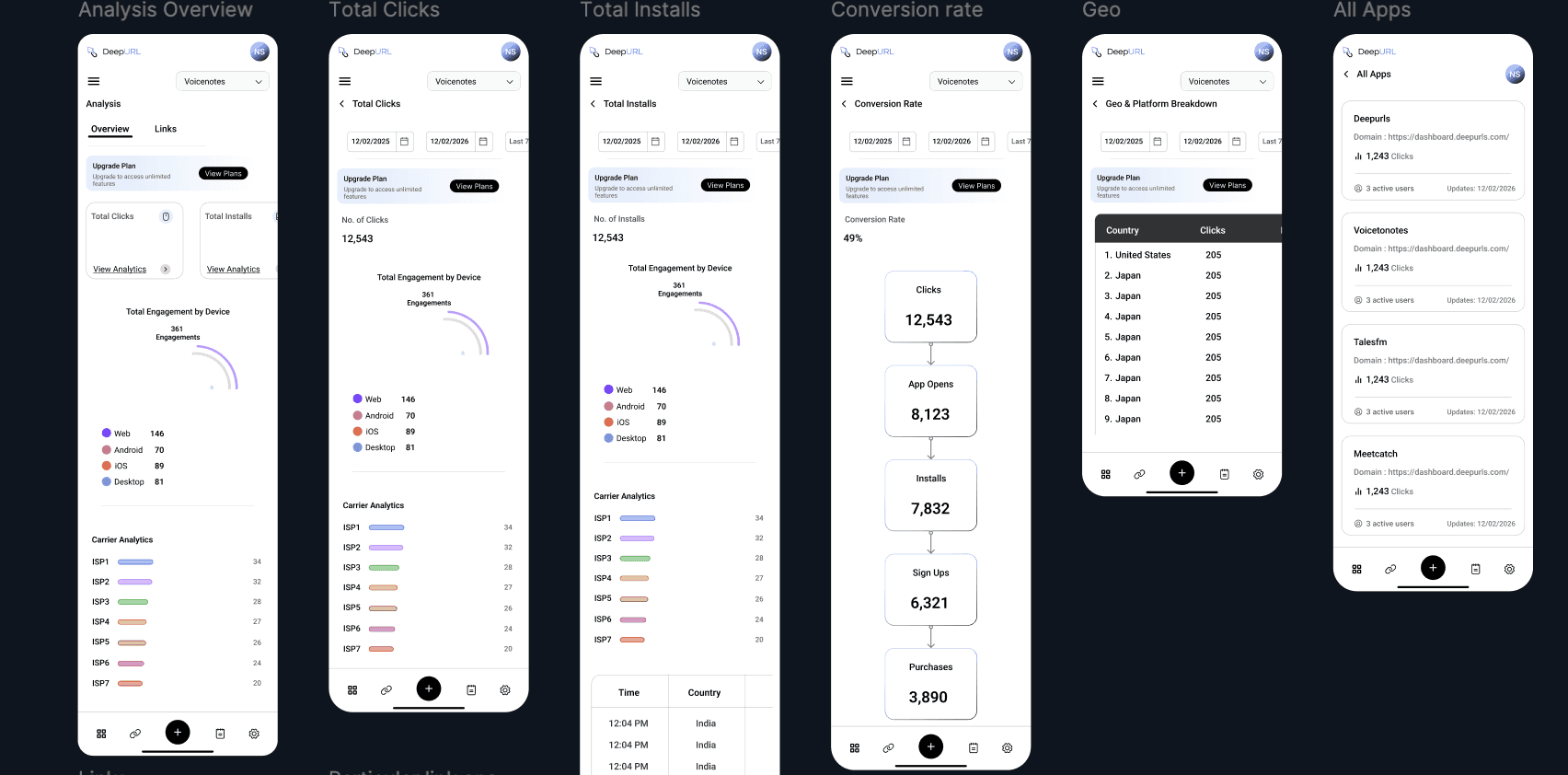
Responsive Adaptation: Adapting a feature-heavy dashboard for smaller screens was a key challenge. This was solved by prioritizing essential features, simplifying navigation, and introducing a bottom navigation pattern to ensure a seamless and usable mobile experience.
Moodboard
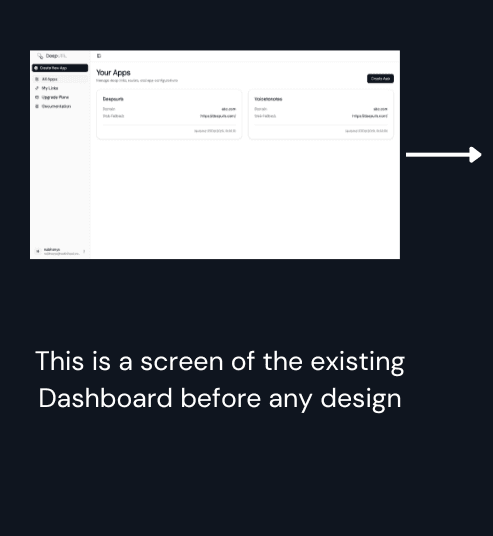
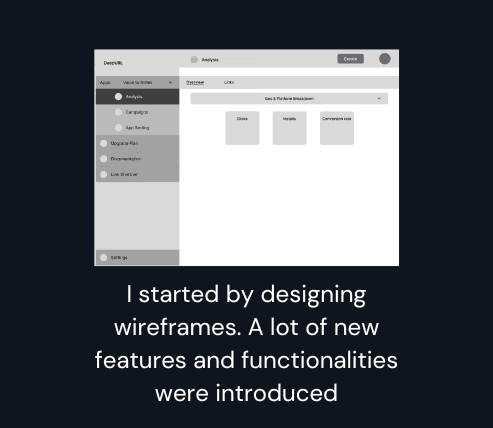
Design Evolution
Optimizing the corporate intranet significantly improved usability and employee engagement. By creating a more intuitive and interactive platform, we enhanced internal communication and collaboration, leading to a more connected and productive workforce. This project highlights the importance of user-centered design in improving organizational tools and employee satisfaction.




Responsive by Design
The experience was designed to adapt across screen sizes without losing functionality.
Given the feature density, the approach was to:
Prioritize core actions on smaller screens
Simplify layouts without removing features
Introduce a bottom navigation pattern for accessibility
This ensures continuity between desktop and mobile usage.
Outcome
The final outcome resulted in a scalable and visually refined dashboard experience designed across 40+ desktop and responsive screens, ensuring consistency across complex workflows and multiple user interactions.
The final design delivers a dashboard that is:
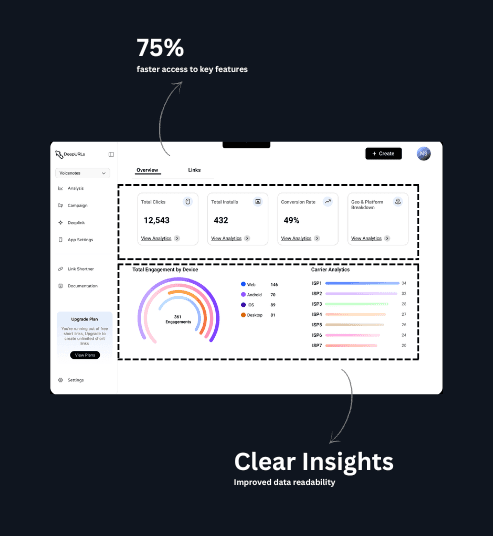
Easier to navigate despite multiple features
Faster to understand through clear hierarchy
Scalable for future additions
It shifts the experience from:
feature-heavy → user-focused